TradingView to MT5: Complete Guide to Automating MetaTrader 5 Using TradingView Alerts (2026)
TradingView to MT5
Learn how to connect TradingView alerts with MetaTrader 5 (MT5) to automate your trading strategies, reduce manual execution, and build reliable trading workflows.
⚡ At a Glance
TradingView + MetaTrader 5
TradingView Alerts & Webhooks
Algo Traders, Swing Traders & Multi-Account Trading
MT5 & Supported Broker APIs
📑 Table of Contents
Start Automating Your Trading
Connect TradingView alerts with MetaTrader 5 using XAlgos and build reliable automated trading workflows.
How TradingView Alerts Work
TradingView alerts notify you whenever your predefined market conditions are met. Alerts can be created using price levels, indicators, drawing tools, or custom Pine Script strategies. Rather than watching charts all day, you can let TradingView monitor the market and notify your automation workflow when something important happens.
When combined with XAlgos, TradingView alerts can be delivered through webhooks, allowing your configured workflow to react automatically whenever an alert is triggered.
TradingView Alert Setup
Create an alert once and let your automation workflow handle the rest.
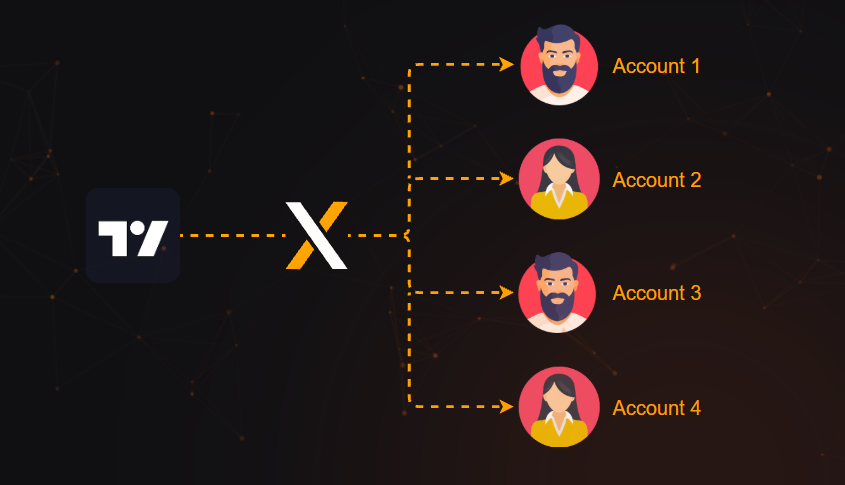
TradingView → XAlgos → MT5 Workflow
A typical TradingView automation workflow consists of four simple stages. TradingView generates the signal, XAlgos processes the webhook, validates the request, and then routes it to your configured MetaTrader 5 environment.
1. Strategy
Create your strategy or indicator in TradingView.
2. Alert
TradingView sends a webhook when conditions are satisfied.
3. XAlgos
The webhook is validated and processed according to your workflow.
4. MT5
The configured action is delivered to MetaTrader 5.
Automation Workflow
See how TradingView, XAlgos and MT5 work together in one streamlined automation pipeline.
Why Automate Trading?
Automation helps traders eliminate repetitive tasks while maintaining a structured workflow. Instead of manually responding to every TradingView alert, you can configure your automation once and let it execute consistently according to your predefined settings.
Faster Response
Alerts are processed immediately after they are triggered.
Consistent Workflow
Follow the same automation rules every time an alert is received.
Flexible Integrations
Connect TradingView with MetaTrader 5 and supported broker APIs.
Scalable
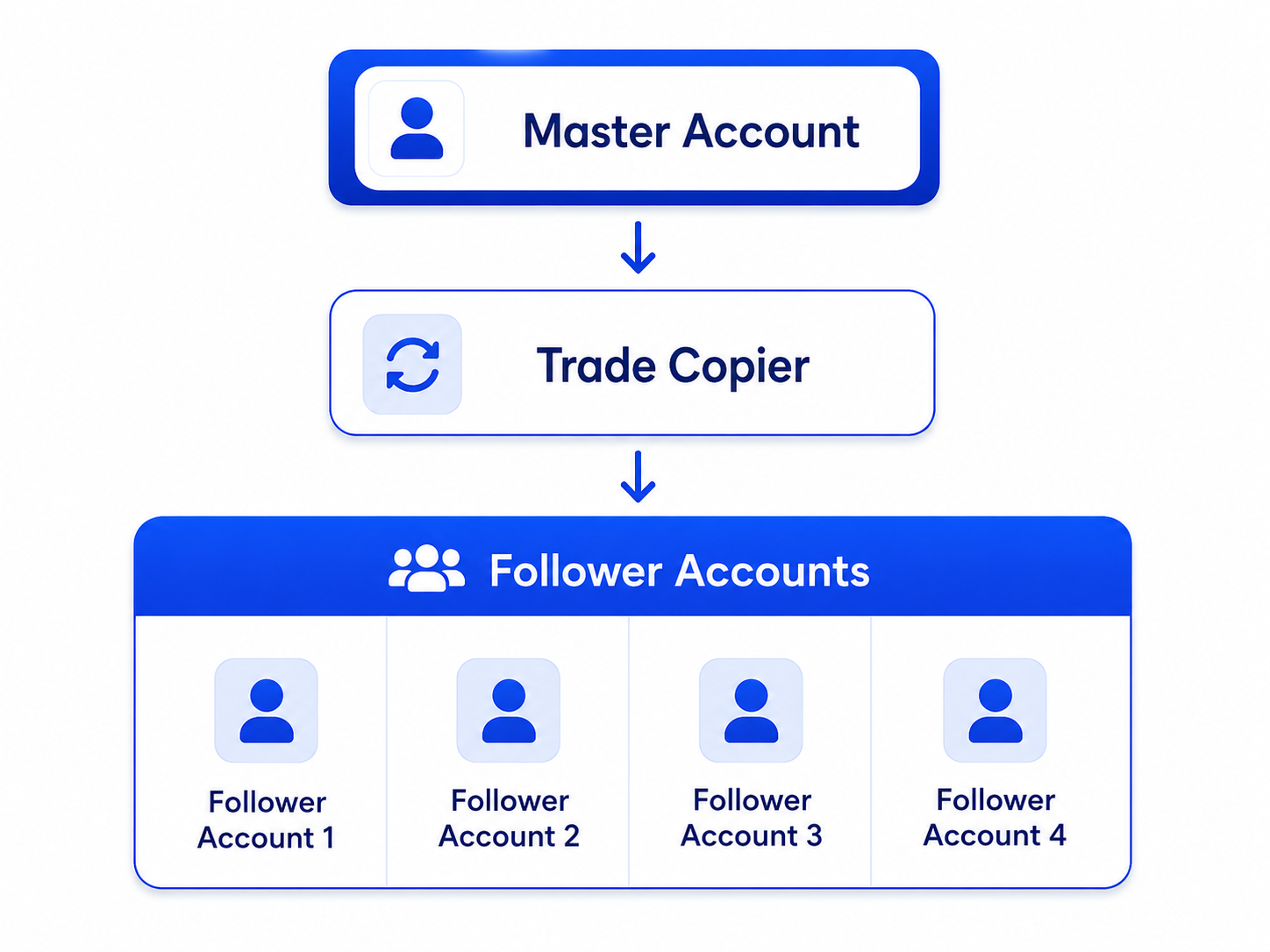
Build workflows that support multiple accounts and automation scenarios.
Want to copy trades across multiple MetaTrader 5 accounts? Read our MT5 Trade Copier Guide to see how XAlgos supports multi-account trading automation.
TradingView, MetaTrader 5 & Supported Broker APIs
Modern trading is no longer limited to a single platform. Many traders prefer TradingView for chart analysis, MetaTrader 5 for execution, and broker APIs for seamless connectivity. XAlgos brings these tools together into one automation workflow, allowing you to manage signals and execution more efficiently.
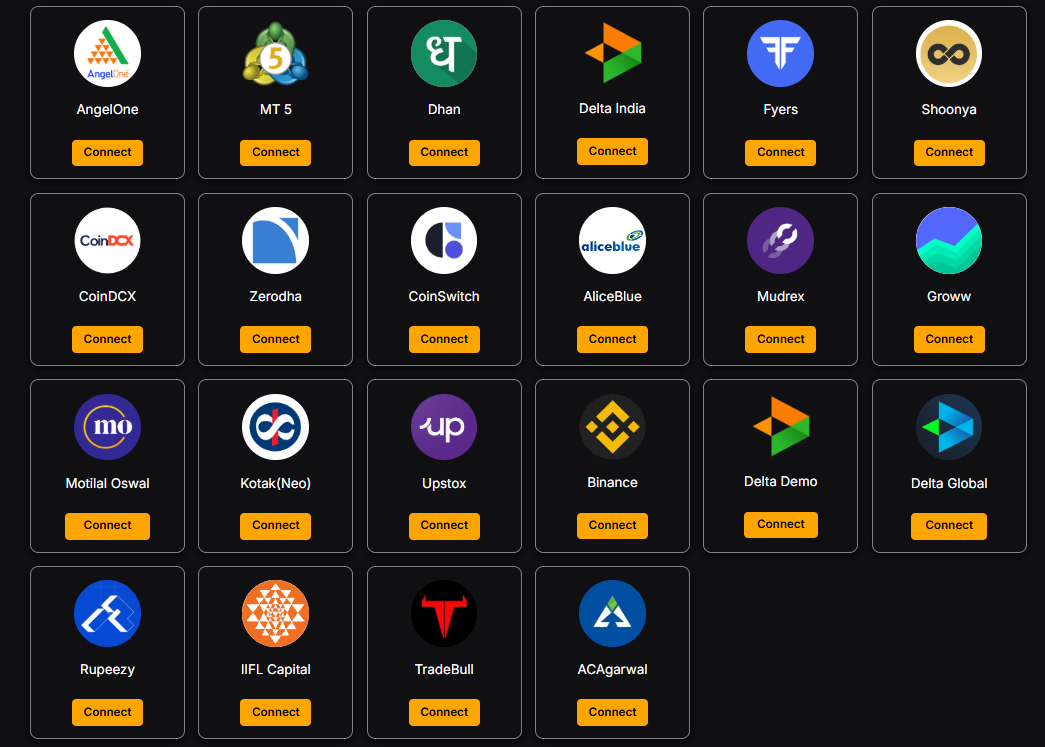
Supported Integrations
Manage your connected platforms and broker integrations from a single dashboard.
| Platform | Purpose | Supported |
|---|---|---|
| TradingView | Chart Analysis & Alerts | ✅ |
| MetaTrader 5 | Trade Execution | ✅ |
| Dhan API | Trading Automation | ✅ |
| Angel One API | Trading Automation | ✅ |
| Zerodha API | Trading Automation | ✅ |
| Fyers API | Trading Automation | ✅ |
| Upstox API | Trading Automation | ✅ |
TradingView Webhook JSON Example
TradingView sends alert information as a JSON payload. XAlgos reads this data, validates the request, and processes it according to your configured automation rules. The payload can include information such as the trading symbol, action, volume, strategy name, and timestamp.
{
  "symbol":"EURUSD",
  "action":"BUY",
  "volume":"0.10",
  "strategy":"EMA Crossover",
  "time":"{{timenow}}"
}JSON provides a structured format that allows TradingView alerts to communicate consistently with automation platforms. This makes it easier to pass information between TradingView, XAlgos, MetaTrader 5, and supported broker APIs.
Automate Responsibly
Automation improves efficiency, but it should always be combined with sound risk management. Before enabling automated execution, verify your alert logic, position sizing, and account settings to ensure they align with your trading plan.
Position Size
Define position sizing rules that fit your risk tolerance and account size.
Stop Loss
Include protective stop-loss levels as part of every trading strategy.
Monitor Activity
Review your workflows regularly to confirm alerts and actions behave as expected.
Review Strategies
Update your automation whenever your trading strategy or market conditions change.
Monitor MT5 Read-Only Accounts
XAlgos supports monitoring and copying trades from MetaTrader 5 Read-Only (Investor Password) accounts. This enables traders to follow activity on a source account without requiring access to its trading password, making it useful for educational accounts, portfolio monitoring, and signal-following workflows.
- Monitor trading activity securely.
- Keep independent risk settings on follower accounts.
- Follow educational or professional trading accounts.
- No trading password required for the source account.
- Works with MT5 automation workflows supported by XAlgos.
Best Practices for TradingView to MT5 Automation
A reliable automation workflow starts with proper configuration. Before using TradingView alerts in a live environment, test every webhook, verify your alert conditions, and confirm that your automation behaves exactly as expected. Small configuration mistakes can lead to unwanted trades.
Test Everything
Validate alerts and workflows before connecting them to live trading accounts.
Verify Alerts
Check symbols, webhook URLs, strategy logic and alert parameters carefully.
Monitor Performance
Review your automation regularly and update it whenever your strategy changes.
Protect Capital
Always use sensible position sizing and risk management alongside automation.
Frequently Asked Questions
Can TradingView connect directly to MetaTrader 5?
TradingView and MetaTrader 5 are separate platforms. Traders typically use an automation platform such as XAlgos to receive TradingView webhook alerts and integrate them into their MT5 workflow.
What is a TradingView webhook?
A webhook is an HTTP request automatically sent when a TradingView alert is triggered. It allows automation platforms to receive alert data in real time.
Can I automate Pine Script strategies?
Yes. Pine Script strategies can generate TradingView alerts that can be incorporated into automated workflows using supported integrations.
Can I manage multiple MT5 accounts?
Yes. XAlgos supports automation workflows that can be configured for multiple MetaTrader 5 accounts.
Does XAlgos support MT5 Investor Password accounts?
Yes. XAlgos supports monitoring and copying trades from MT5 Read-Only (Investor Password) accounts.
Which brokers are supported?
XAlgos supports MetaTrader 5 along with supported broker API integrations such as Dhan, Angel One, Zerodha, Fyers and Upstox where available.
Automate Your Trading with XAlgos
Connect TradingView alerts with MetaTrader 5, automate your trading workflow, and manage multiple accounts from one professional platform.
Related Guides
MT5 Trade Copier
Learn how to copy trades between multiple MetaTrader 5 accounts using XAlgos.
Trade Copier India
Explore automation, TradingView integration and broker APIs for Indian traders.
Trading Automation Blog
Discover guides covering TradingView, MT5, webhooks, APIs and algorithmic trading.
Written by XAlgos Team
Published: July 2026
Last Updated: July 2026